
The DM Telco Label App
Print your own feeder labels.
Optus and TPG feeder labels to carrier spec, printed on your own label printer whenever you need them: on site, in the van or in the office. Type your IDs and hit print; the app does the rest.
Optus and TPG spec150 and 250 mm labelsPC or Mac, works offline
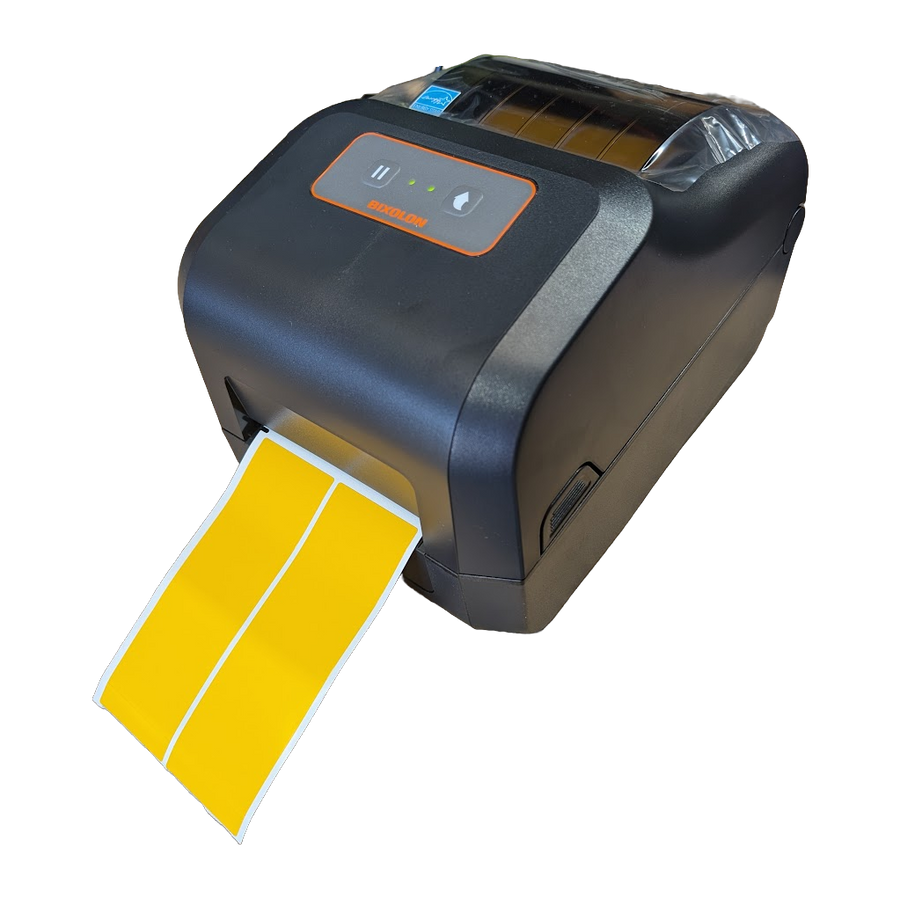
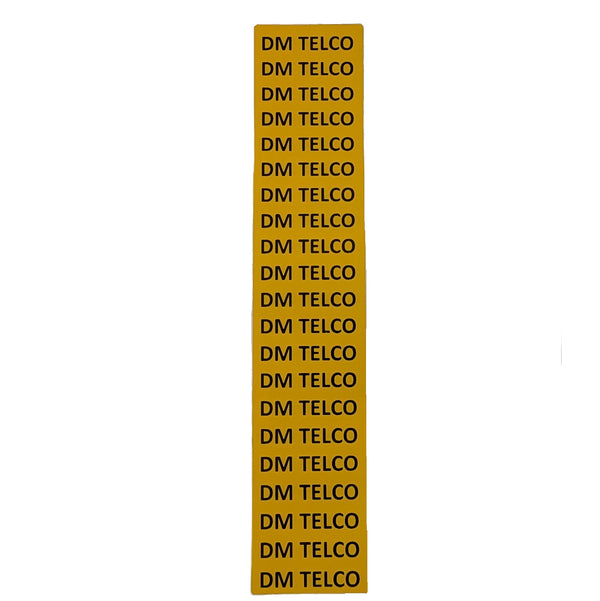
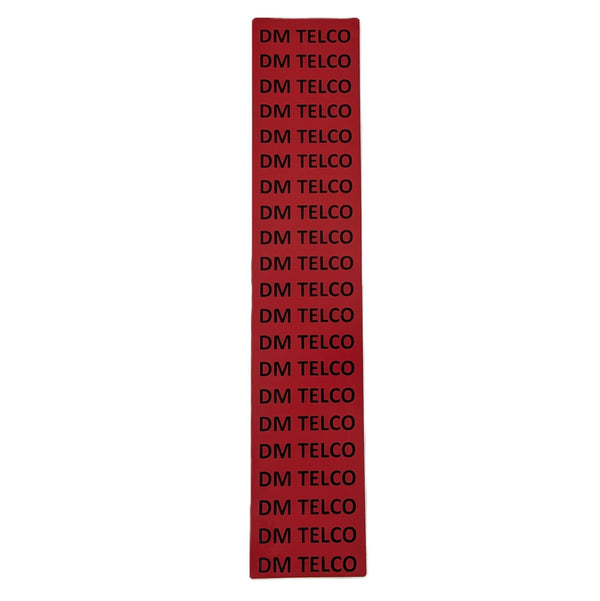
Everything you need, from DM Telco
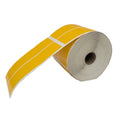
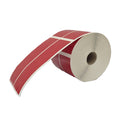
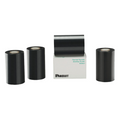
-
1
Get your access code
Included with your trade account. Ask the team and it's usually sorted the same day.
-
2
Install it once
Open the app in Chrome or Edge, sign in and click Install App. It gets its own icon on your PC or Mac.
-
3
Type your IDs
One label per line, or import a CSV. Up to 300 at a time, and two of each side by side if you need them.
-
4
Hit print
Each label is sized to the JVO spec and repeats its text, so it reads all the way around the feeder.